DTF Spare Parts: What to Stock and When to Replace
A DTF printer stops for one of two reasons: a wear part reached the end of its life, or a part that should have been cleaned was not. Spare parts on the shelf are what separate a one-hour fix from a week waiting for a component, which makes stocking a production decision rather than an administrative one.
What Wears First
Printheads get the attention, but they are rarely the first part to fail. Capping stations and wiper blades wear on a much shorter cycle, and a worn cap is what damages a printhead overnight by letting ink dry on the nozzle plate.
- Capping station: the seal degrades, the cap stops meeting the head cleanly, ink dries overnight.
- Wiper blade: picks up a dried ink ridge and scores the nozzle plate on every pass.
- Dampers: clog or draw air, causing missing segments that look like head failure.
- Encoder strip: contamination causes banding and misplaced dots.
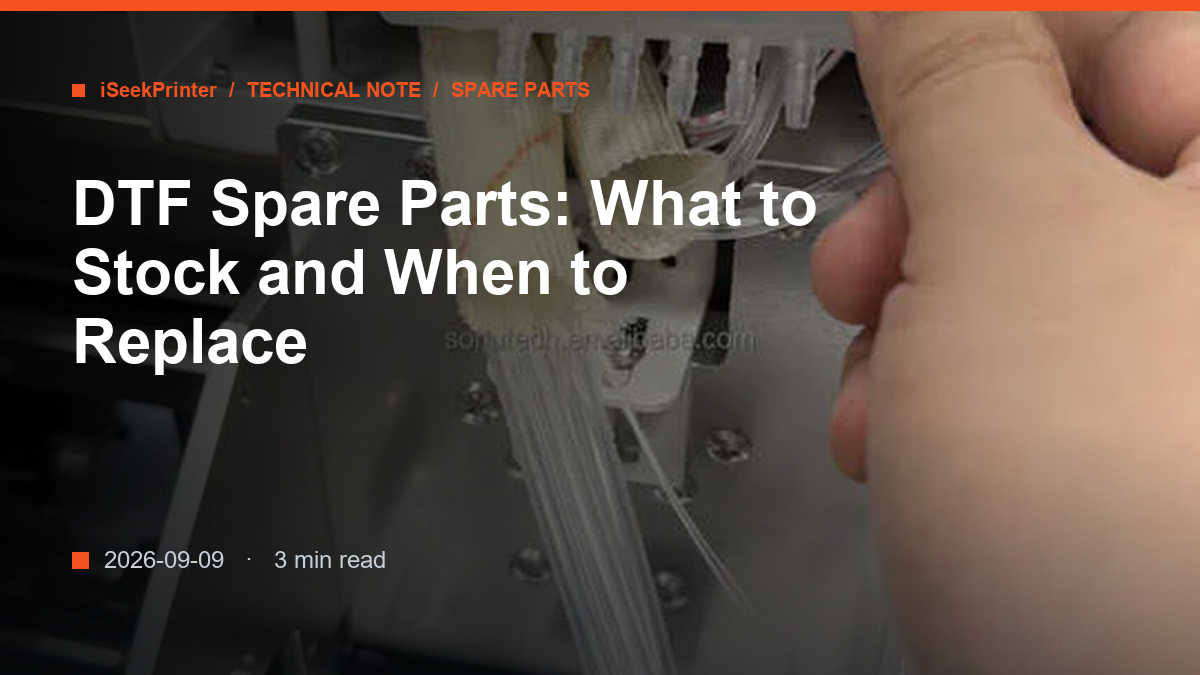
- Ink tubing and connectors: sediment at the bends, or a joint that weeps.
- Motors, belts and the head board: less frequent, higher cost, machine-stopping.
The Minimum Spares Shelf
For a shop running one machine in production, the shelf below covers most stoppages. Parts are stocked as separate SKUs rather than assemblies, so a worn wiper does not mean buying a whole capping unit.
- One spare printhead of the type the machine uses.
- One capping station and a set of wiper blades.
- A set of dampers and a length of ink tubing.
- An encoder strip and a set of fuses.
- A head board for shops running continuous production.
- Cleaning fluid, lint-free swabs and an empty waste bottle.
The minimum order is one piece, so a small shop can build this shelf gradually. Start with the parts that stop the machine, then add those that only degrade quality.
Consumables That Are Not Spare Parts
Ink, film and powder are consumables, not spares, and they need their own buffer. A shop that runs out of powder on a Friday afternoon loses the weekend. Hold a working stock sized to weekly consumption plus a margin, stored sealed and dry.
When to Replace Rather Than Clean
Cleaning is the right answer while the part still does its job. It stops being right when the part cannot be restored: a cap that no longer seals after cleaning, a wiper with a permanent ridge, a damper that draws air after flushing, an encoder strip that bands again within a day.
For printheads, the test is three consecutive cleaning cycles with no recovery. Beyond that, further pressure cleaning damages the nozzle plate. Record installation dates so a part's age is a fact rather than an impression.
Rule of thumb: if a part has been cleaned twice and still causes the same fault, it is a replacement. Cleaning a worn part costs the same labour as fitting a new one and returns none of the performance.
Ordering by Part Number
Order by machine model and part number, not by description. A capping station for a 600 mm machine is not the same part as one for a 300 mm machine, and wipers differ between head types. Photograph the part and quote the machine serial number when you inquire.
We hold printheads, capping and maintenance stations, boards, cables, dampers and motors as separate SKUs, and we quote spare-part orders from one piece. Tell us the model and the fault, and we reply within 24 hours.
Comparing machines or planning a production line? Send us your output figures and we will recommend a configuration and quote it.
FAQ
Which DTF spare parts should I keep in stock?
At minimum one printhead, a capping station, wiper blades, dampers, an encoder strip and fuses, plus cleaning fluid and swabs. Shops running continuous production should add a head board. Parts are ordered by the piece.
How often should a capping station be replaced?
Replace it when it no longer seals, not on a fixed calendar. Signs are a poor nozzle check after a short idle period, ink pooling on the cap, or a stained cap lip after cleaning.
Can I fit spare parts myself?
Most wear parts, including caps, wipers, dampers, tubing and encoder strips, are fitted in the shop with basic tools. Boards and printheads need more care: confirm the configuration and ask for the firmware settings before fitting.